Boss Jeerapat
สร้าง iOS Simulator โดย Command line
ตรวจสอบเครื่อง Mac ว่ามี Runtimes หรือ iOS เวอร์ชั่นอะไรที่สามารถนำมาใช้งานได้ ด้วยคำสั่ง Terminal
xcrun simctl list runtimes
ผลลัพธ์

🕯️ ต้องลง XCode ก่อนนะ
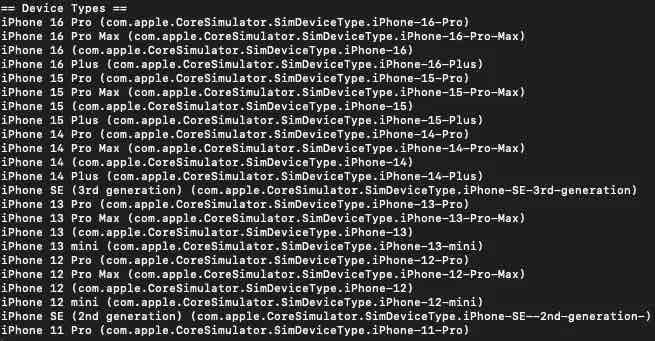
คำสั่งสำหรับดู Device ที่รองรับ
xcrun simctl list devicetypes runtimes
ผลลัพธ์
สร้าง Simulator
เราจะใช้คำสั่งในรูปแบบ
xcrun simctl create “<name>” “<device type id>” “<runtime id>”
โดย
<name> ชื่อของ Simulator เป็นอะไรก็ได้
<device type id> id ของเครื่องที่เรามีอยู่
<runtime id> id ของ iOS ที่เรามีอยู่
ตัวอย่าง
xcrun simctl create "CreateByCommand" "iPhone 16 Pro" "com.apple.CoreSimulator.SimRuntime.iOS-18-3"
ผลลัพธ์

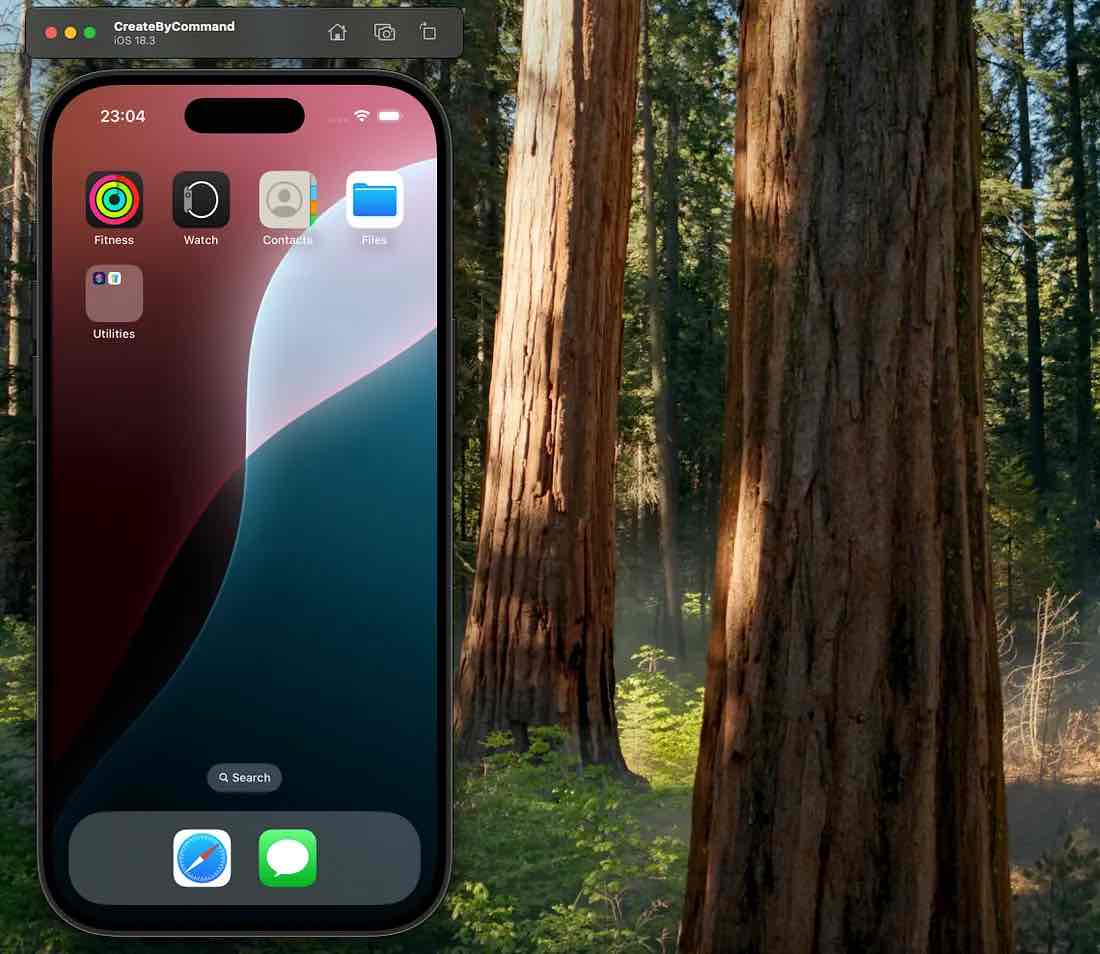
ใช้งาน Simulator
ใช้งานได้ด้วยคำสั่ง
xcrun simctl boot “<name>”
หรือ
xcrun simctl boot “<Identifier>”
แสดง Simulator ในเครื่องทั้งหมด
ได้ด้วยคำสั่ง
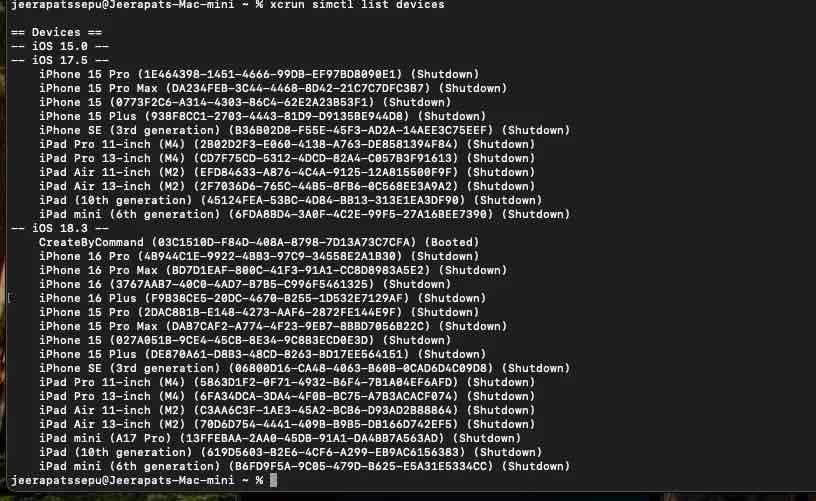
xcrun simctl list devices
ผลลัพธ์